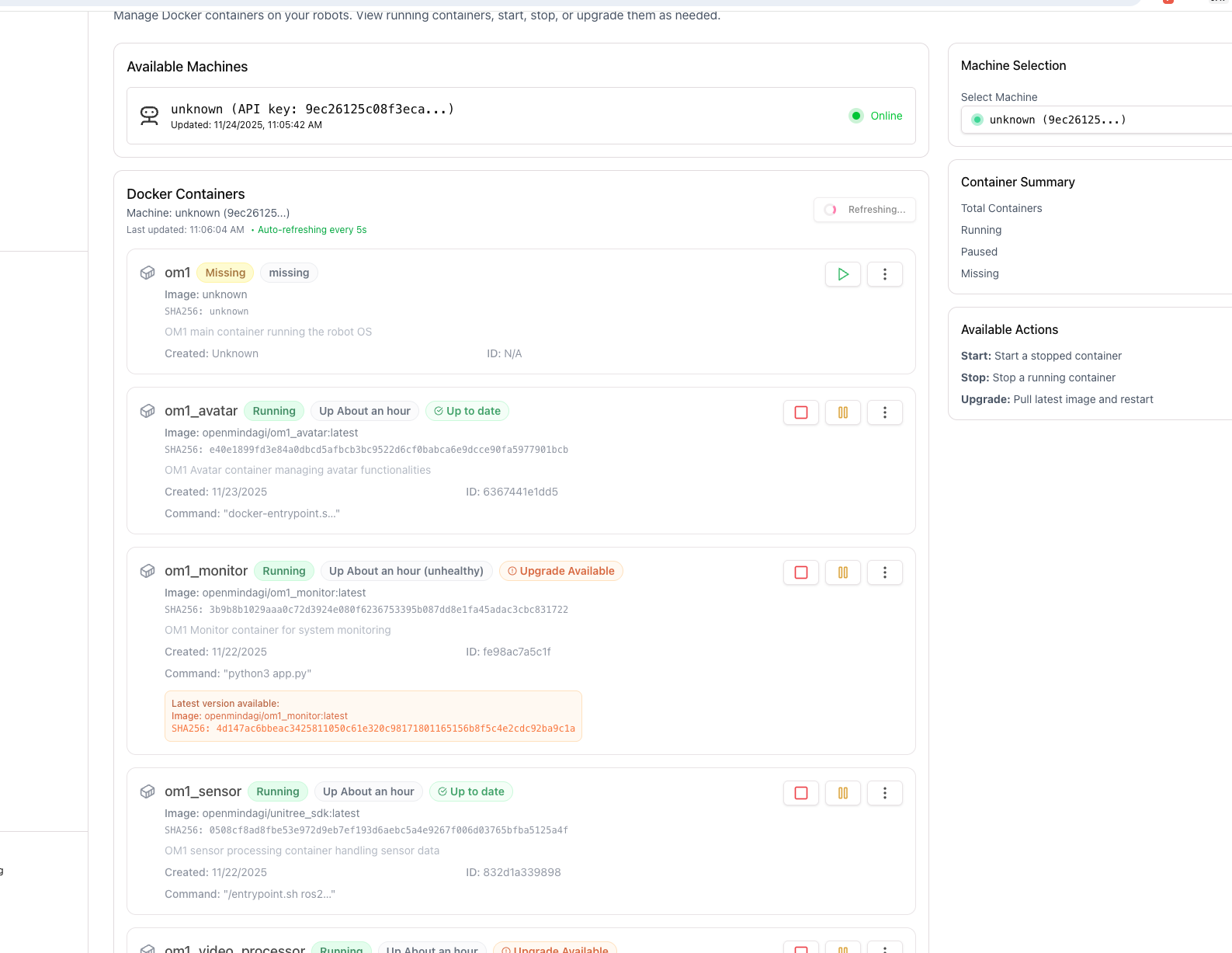
- ota_agent
- ota_updater
- ota_monitor
git clone https://github.com/OpenMind/OM1-system-setup.git
Get all the services up and running
ota_agent
Key functions:- Pull new images
- Start and stop containers
- Restart services
- Upgrade existing images
ota_updater
Ota_updater is used to update the OTA_agent. Key functions:- Updates the OTA agent to the latest version
- Ensures compatibility with new features and fixes
- This service guarantees that the OTA system can evolve without manual intervention.
ota_monitor
This service is used for setting up the Wi-Fi, local network, and local status page. Key functions:- Wi-Fi configuration
- Local network setup
- Local status and monitoring page
Wifi Setup
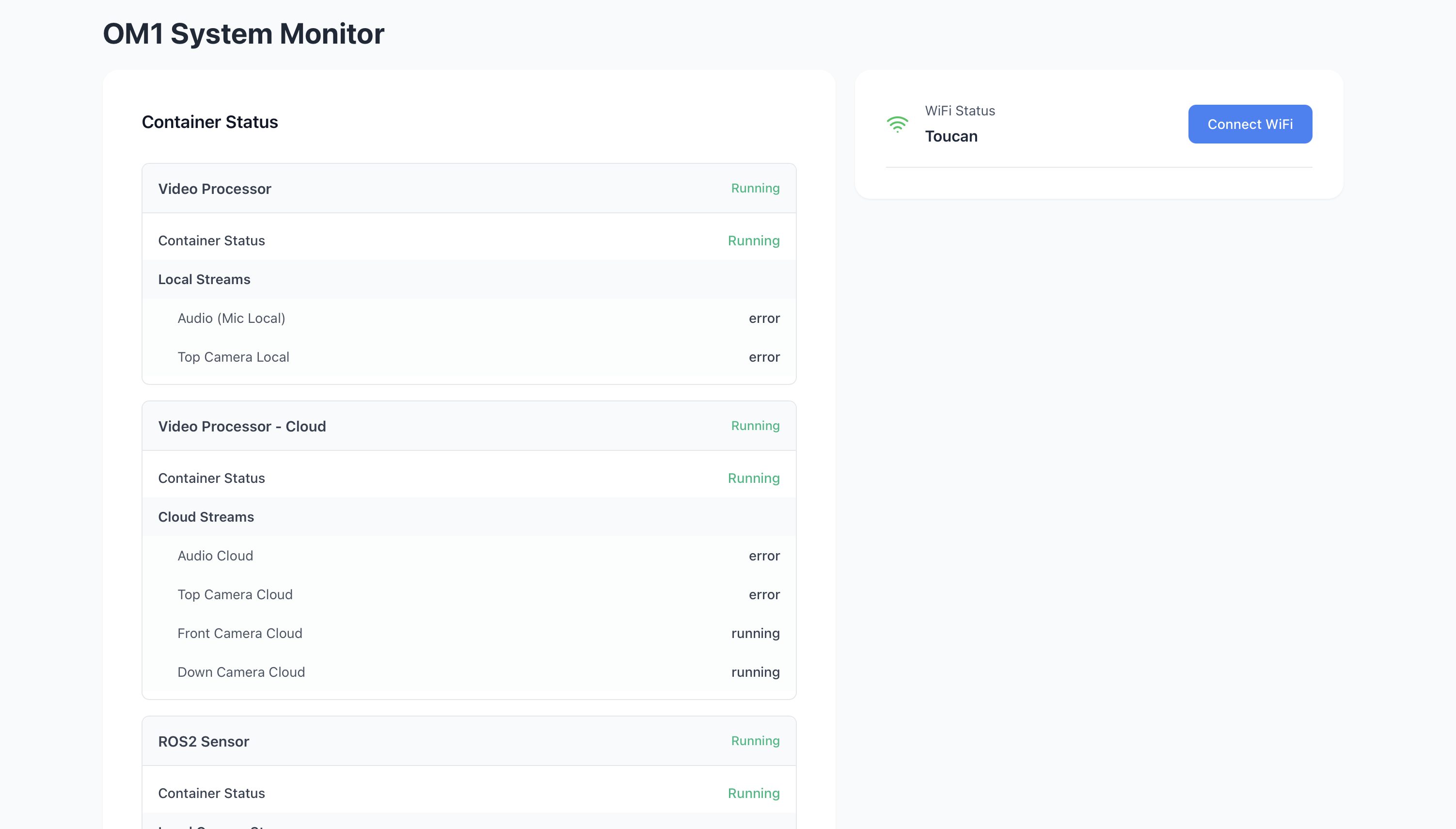
Once your om1_monitor docker container is up and running, head over tohttp://127.0.0.1:80 for setting up wifi on your system. Follow the instructions on the screen and you’ll be able to see the following once the wifi is connected.
Managing containers
After Wi-Fi is configured and the system is online, you can manage your containers through the OpenMind Portal: https://portal.openmind.org/docker-management Follow pre_config to proceed further with complete setup.